Firmware
Firmware page shows information about the firmware installed in the connected mixed reality module, and allows updating it.
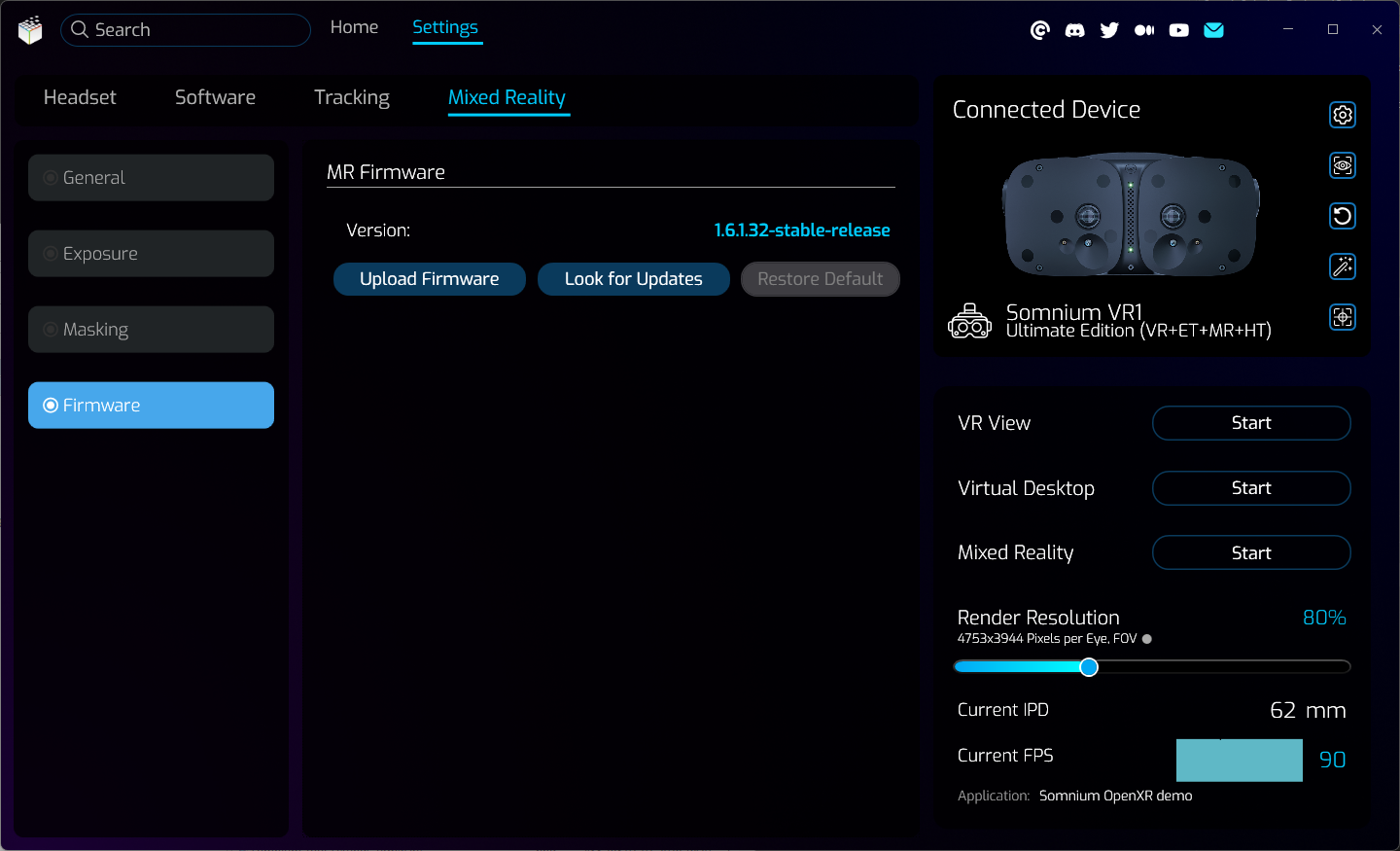
- Version
- Shows the version of firmware currently installed in the connected mixed reality module.
- Upload Firmware
- Can be used to manually upload a different firmware to the connected mixed reality module.
- Look for Updates
- Can be used to check if any firmware update is available on the update server.
- This option is only available in the Online edition of Somnium VR1 Tool.
- Restore Default
- Can be used to restore a previous firmware version saved in the mixed reality module.
- Should only be used if any issues occur after a firmware update.
This page was last modified on February 2nd, 2026 at 17:40
< PreviousNext >